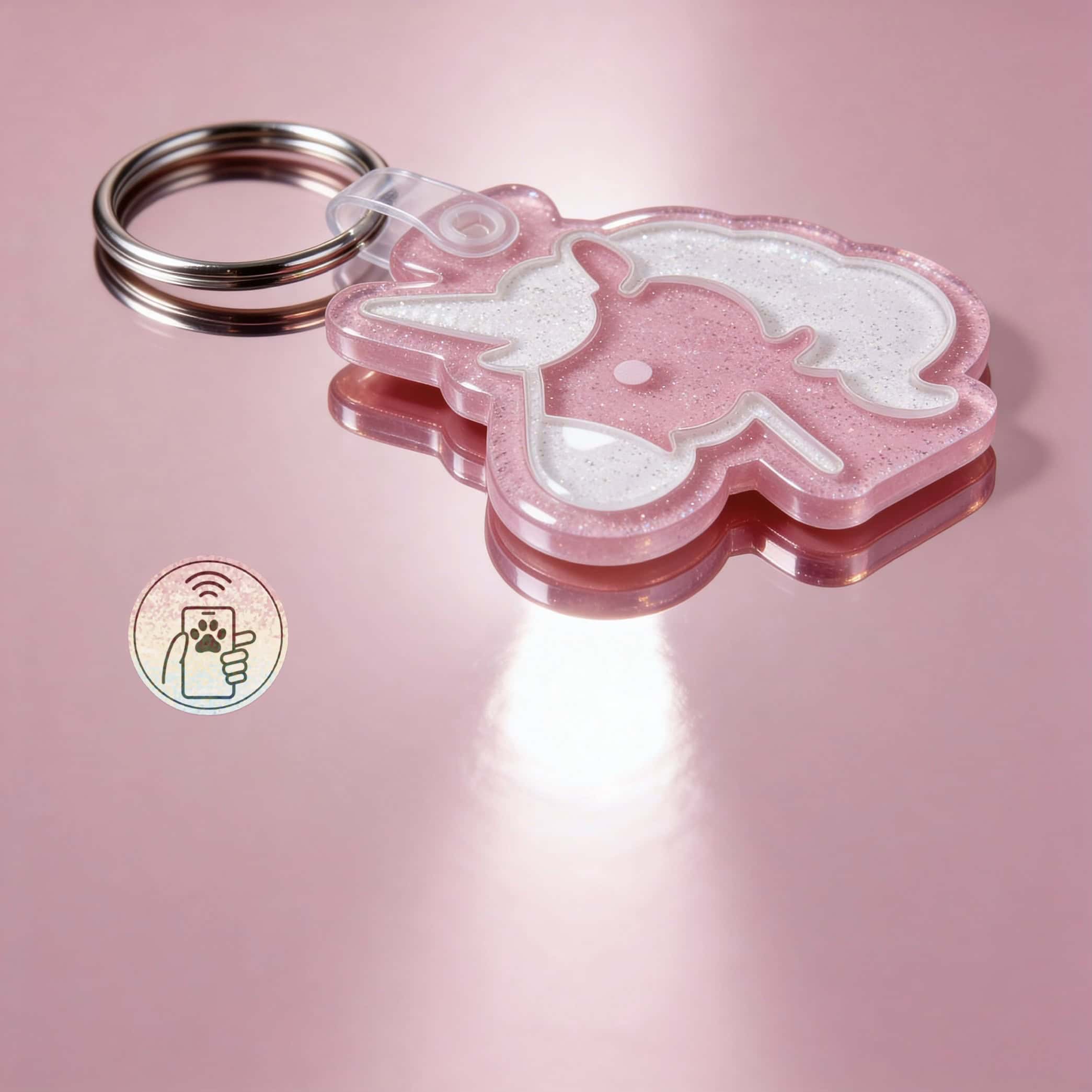
NFC Pet ID Tags vs Microchips: Why Your Pet Needs Both in 2026
 Shiloh’s House Team
·
·
6 min read
Shiloh’s House Team
·
·
6 min read
If you’re a brand-new pet parent — or you just realized the engraved disc you got at the pet store five years ago is faded and you should probably do something about it — welcome. This is the beginner’s overview to pet tags in 2026. No jargon, no overwhelming feature lists, just the foundational things every pet parent should know about keeping their dog or cat findable.
Why Pet Tags Matter (Even in 2026)
You’d think with GPS trackers, AirTags, microchips, and smart everything else, the humble pet ID tag would be obsolete by now. It’s not — it’s actually more important than ever, just smarter.
Here’s why: most lost pets aren’t found by you finding their location on a map. They’re found by a stranger spotting them in a yard, on the street, or in a parking lot. That stranger has one question — “who do I call?” — and a tag is the only thing on your pet that answers it. GPS, microchips, and trackers are great backups, but the tag is the front line. For current picks, see our evergreen guide to the best pet tags for dogs and cats.
The good news: tags in 2026 are dramatically better than they were even five years ago. The basics still work the same, but the technology that powers them has caught up.
The Three Things Every Pet Tag Needs to Do
1. Be readable from a respectful distance
A stranger who finds your pet shouldn’t need to physically grab a scared animal to read your phone number. The engraving has to be large, high-contrast, and durable enough that it still works five years from now.
2. Hold information that’s actually current
This is where traditional tags fail most often. People engrave a phone number, change it, and never update the tag. Modern smart tags fix this by storing the editable info in a cloud profile that updates through an app.
3. Survive your pet’s life
Swims, mud, sun, dirt, getting chewed by a sibling pet — the tag has to keep working through all of it. Premium materials matter; cheap ones fail surprisingly fast.
Pet Tag Vocabulary 101
NFC tag
A pet tag with a small chip embedded inside. When someone holds a smartphone near the tag, your pet’s full profile (name, contacts, medical alerts, etc.) opens automatically in their browser. NFC is the same tech that powers Apple Pay and tap-to-pay credit cards.
Engraving
How information is permanently marked into the tag. HD laser engraving on premium acrylic is the gold standard — sharp, durable, and lasts for the life of the tag. Stamped or printed methods wear out faster.
Microchip
A grain-of-rice-sized chip implanted under your pet’s skin (different from an NFC tag, which is on their collar). Microchips require a specialized scanner that vets and shelters have. They’re a great last-resort backup.
GPS tracker
A device on your pet’s collar that uses cellular and satellite signals to show their real-time location on your phone. Different from an NFC tag — GPS tells you where your pet is, NFC tells the finder how to call you.
Slide-on tag
A tag that threads directly through the collar webbing instead of dangling from a D-ring. Silent, snag-proof, and modern.
How to Pick Your First Pet Tag

Step 1: Decide if you want smart features
For 2026, this is mostly a no-brainer. NFC adds dramatic capability (updateable info, full profile with medical alerts, voice messages) at minimal extra cost. The only reason to skip NFC is if you’re getting a temporary backup tag for very short-term use.
Step 2: Pick the size that matches your pet
- Cats and small dogs (under 25 lbs): Extra small or small (22-28mm)
- Medium dogs (25-55 lbs): Medium (30-32mm)
- Large dogs (55-90 lbs): Large (32-38mm)
- Extra large dogs (90+ lbs): Extra large (38-44mm)
Step 3: Choose the material
Premium cast acrylic is the modern winner — lightweight, silent, weatherproof, and the only mainstream material that supports NFC. Stainless steel is the traditional pick but doesn’t support smart features and clinks loudly. Avoid cheap aluminum, plastic, or printed silicone for primary tags.
Step 4: Pick a color or style
This is the fun part. Bold colors help the tag be visible from a distance. Custom shapes (hearts, paws, hexagons) make it feel like it belongs to your specific pet. Match it to your pet’s collar or their personality.
Step 5: Set up the smart profile
If you got an NFC tag, take 30 seconds to fill out the Lohji profile during the activation flow. Add multiple emergency contacts, any medical alerts, your vet’s info, and a current photo. This is what shows up when someone scans the tag.
What to Engrave on the Tag Itself
- Your phone number — the biggest, most prominent thing. Use a number you actually answer.
- Your pet’s name (optional) — helps a stranger calm and connect with them.
- A medical alert if relevant — “DEAF,” “DIABETIC,” “BLIND,” etc., only if it’s critical.
Skip your home address, your last name, and “REWARD.” Less is more on the engraving — the smart profile holds everything else.
How Much Should I Spend?
For a beginner pet tag in 2026, expect to pay $20-$35 for a quality NFC smart tag with HD engraving and premium acrylic. Anything under $10 is going to be a basic stamped tag that won’t last a year. Over $50 is usually paying for marketing or precious metals — not extra capability.
For comparison: a GPS tracker is $50-$150 plus a monthly subscription. A microchip implant is $40-$60 plus annual registry fees (or one-time depending on registry). A smart NFC tag is $25 once, with no recurring cost. The math overwhelmingly favors the tag as your starting point.
Common Beginner Mistakes
Mistake 1: Waiting until “they’re a flight risk”
Most pets that go missing are pets who “never wander.” Get the tag on them from day one.
Mistake 2: Buying the cheapest option
You’ll buy three of them over your pet’s life. The math doesn’t work out.
Mistake 3: Skipping the profile setup
If you got an NFC tag and didn’t fill out the profile, the tag still has the engraved phone number — but you’ve left half the value on the table.
Mistake 4: Forgetting to update
Set a calendar reminder every six months to log into your Lohji profile and verify everything is current.
Common Questions
Do I need a tag if my pet is microchipped?
Yes. Microchips require a specialized scanner. The tag is the front-line layer that works with any smartphone in any pocket.
What if my pet is indoor-only?
Indoor pets are exactly the ones who need tags — because if they ever do escape, they have zero outdoor experience and are way more likely to end up lost. A lightweight acrylic tag costs your pet nothing and protects them on the rare bad day.
Can I get a tag without a phone number?
Technically yes — an NFC-only tag with all info in the smart profile. But always have engraved backup info as a safety net for finders without smartphones.
The Bottom Line
Pet tags are simple, powerful, and the cheapest piece of safety equipment in your pet parent toolkit. In 2026, the obvious starting point is a premium acrylic NFC smart tag with HD-engraved phone number and a fully-loaded smart profile. Set it up once, update it every few months, and forget about it. Your pet will wear it every day. It’ll quietly do its job. And on the rare bad day, it’ll be the thing that brings them home.
Smart pet tags. Beautifully designed. Built to bring them home.
Premium acrylic NFC tags paired with the free Lohji app. Update from anywhere. No subscription. No batteries.
Shop Smart Pet Tags →