How to Start an Instagram for Your Pet: Setup, Content Ideas, Captions and Safety
 Shiloh’s House Team
·
·
16 min read
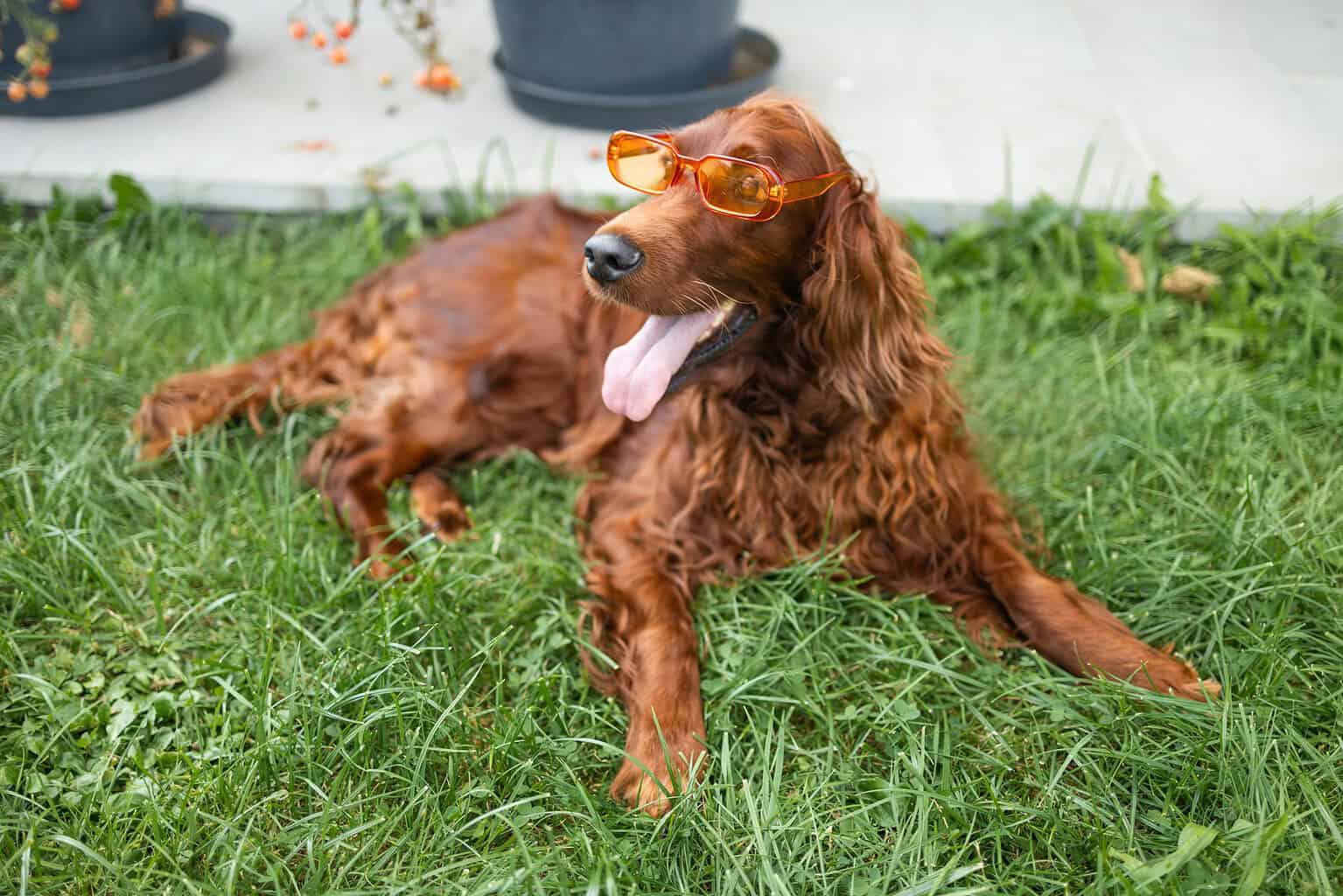
Anyone can start an Instagram for their pet in an afternoon; what makes one worth following is a clear handle and bio, a consistent photo style, a posting rhythm you can keep, captions in the pet’s voice and a few safety rules. Account holders must be at least 13, a creator account unlocks free analytics, and Buffer’s 2025 data puts the growth sweet spot at 3 to 5 posts a week. Keep your address, live location and any tag showing your phone number out of the frame.
Last updated: September 2025
Why should you start an Instagram for your pet?
The honest reason most pet accounts exist is the one Loni Edwards gave Vox in 2018: she started an Instagram for her French bulldog, Chloe, “so that I wouldn’t bombard people with photos of her five times a day.” One in six owners in the Mars Petcare survey said they had already created a profile specifically for their pet.
A dedicated account is also a dated record of the first collar and the first snow, and if you ever lose your pet, a public feed of clear recent photos is exactly what shelters and neighbors ask for. A few accounts turn into something bigger: Edwards told Cheddar in 2018 that pets with millions of followers were commanding about $15,000 per sponsored post. Here is what the biggest accounts look like, with the dates the figures were recorded.
| Account | Pet | Instagram followers | Source and date |
|---|---|---|---|
| @jiffpom | Pomeranian, Los Angeles | 9,018,251 | Guinness World Records, April 29, 2019 |
| @nala_cat | Siamese/tabby mix, shelter adoptee | 4,361,519 | Guinness World Records, May 13, 2020 |
| @chloetheminifrenchie | Loni Edwards’ French bulldog | About 172,000 | Los Angeles Times, August 2017 |
Those numbers are the exception, not the goal. Start because you love the animal and treat growth as a bonus.

How do you set up a pet Instagram account?
Instagram’s Help Center is plain about the first rule: “You must be at least 13 years old to create an Instagram profile.” The account is yours, not the pet’s, so it sits under your birthday and your email or phone number. If you already have a personal account, the new one joins the same Accounts Center so you can switch between them.
Pick the handle before you tap anything. Usernames are limited to 30 characters of letters, numbers, periods and underscores, so “@biscuit.the.beagle” works and “@biscuit the beagle!” does not. Short and spelled the obvious way beats clever, because a handle people cannot spell cannot be tagged. If your pet’s name is common, our list of the most popular dog names explains why “@luna” was taken years ago and how to add a breed, city or trait instead. Instagram notes that a later username change on an account that reaches a lot of people may need review, so get it right once.
The bio field holds 150 characters: name, breed or mix, age, city at most to the metro level, and one line in the pet’s voice. Use a tight face shot for the profile picture, because on a phone the circle is tiny and a full-body shot in a park turns into a brown smudge.
Now switch to a professional account. Instagram’s Help Center says creator accounts are “best for public figures, content producers, artists and influencers,” and that the switch gives you “features to help you grow your account, monetize, create ads, understand your growth, and manage your messages.” The path is Profile, Settings and activity, Account type and tools, Switch to professional account, then Creator. Connecting a Facebook Page is optional.
What should you post on a pet Instagram?

The accounts that last are built on three or four repeatable themes rather than whatever happened today, and Edwards’ advice to the Los Angeles Times in 2017 was to pick a few descriptive words for the pet’s brand before posting at all. Is your dog a spirited troublemaker, a dignified senior, a velcro cat who narrates your workday? Write the words down. Every post should fit at least one of them, and the ones that fit none stay in your camera roll. It is not about being fake; it is about giving followers a reason to expect the next post.
Daily life is the first pillar and the easiest to keep up. The morning stretch, the stare at the treat drawer, the same patch of sun at 3 p.m. These are low-effort posts, but they are the ones that make strangers feel they know your pet, and that familiarity is what turns a like into a follow. Shoot them in the same two or three spots at the same times of day and the feed develops a look without any editing.
Milestones are the second pillar. Gotcha day, birthdays, the first and last day of a cast, the first time a shelter cat chose a lap. Date them in the caption, because this is where the account earns its keep as a record you can scroll back through years later. Training wins belong here too. A clip of a dog finally holding a stay with the door open, or a cat learning to sit for a target stick, draws comments from people struggling with the same thing, and those are the most useful comments you can get.
Outfits and props are the third pillar, and the one to handle with care. A bandana, a raincoat or a Halloween costume photographs well and gives you a seasonal post every month, but the pet decides how long the session runs. Dogs that paw at a hat or cats that flatten their ears are telling you the shoot is over. Keep the costume on for the photo and off for the day, and skip anything that covers the eyes or restricts movement. A virtual wardrobe, covered below, is an honest workaround.
The fourth pillar is the pet’s voice, which is less a content type than a rule that runs through all the others. Decide whether your pet speaks in the first person, in a particular register, with a catchphrase or a running grudge against the mail carrier, and then stay in character. A dachshund who writes like a tired accountant, a cat who refers to you as “the staff,” a rescue who narrates everything with slightly too much enthusiasm. The voice is what people quote in comments and what makes a follower tag a friend, and it costs nothing but consistency.
Round out the mix with the occasional useful post: what you learned about a food, a gear review in the pet’s words, a before-and-after of a grooming day. Those posts get saved and shared. Aim for a loose ratio over a month, perhaps half daily life, a quarter milestones and training, and the rest outfits, seasons and advice. The exact ratio matters less than having one, because a plan is what gets you to post on the weeks when nothing happened.
How do you take better photos and video of your pet?
The biggest upgrade is light, not a camera. Shoot near a window or in open shade, turn the flash off, and get down to the pet’s eye level. Burst mode catches the half-second a dog’s ears are up, and tapping the eyes to focus keeps them sharp. Edwards told The i Paper that pictures against clear backgrounds make a pet’s eyes stand out, and a treat held just above the lens buys you a second of eye contact. Our guide to taking good photos of your pet with a phone walks through the full routine.
For Reels, Instagram’s Help Center describes them as a way to “create and edit short videos that can be shared with your followers,” with music, effects and clips from your camera roll. Hold the phone vertically, keep clips to a few seconds each, and cut on the action. We explain the workflow, including music that will not get muted, in how to make a video of your pet. One strong image a day beats a carousel of near-duplicates of the same nap.
How do you write captions and hashtags for a pet account?
Captions are where the pet’s voice lives, so lead with the line you want quoted and keep the explanation for the second sentence. A question at the end gives people something to answer. Edwards’ advice to Cheddar in 2018 came in five steps: decide on a solid brand, create quality content, post consistently, engage your audience and “write witty captions.”
“You want to be consistent and find the one thing that stands out about them, whether it’s if the dog is really funny or you are really funny but the dog is cute. Anyone can take photos and put them on the internet; it takes effort to develop a strong brand and to consistently engage with people and be the front of that community. A consistent brand voice is the most important.”
Loni Edwards, founder of The Dog Agency, a talent management firm for pet influencers (Vox, 2018)
Instagram’s Help Center says “you can add hashtags in the caption or comments of your post,” that a public account’s post “will be visible on the corresponding hashtag page,” and that “spaces and special characters, like $ or %, won’t work.” The cap, as Later quoted Instagram’s wording in June 2025, is “up to 30 tags on a post.” How many to use is contested: Instagram’s @creators account has suggested 3 to 5, while Later’s analysis of 18.1 million feed posts found reach kept climbing up to 20 to 30 relevant tags. A sensible middle is 8 to 15 that describe the post itself.
How often and when should you post?
Buffer answered the “how often” question in August 2025 with an analysis of 2.1 million feed posts from about 102,000 Instagram accounts. Posting 3 to 5 times a week “can more than double follower growth rate, compared to posting one or two times weekly,” and lifts reach per post by about 12 percent. Weeks with zero posts fell below each account’s own baseline, which Buffer’s data scientist Julian Winternheimer called the “no-post penalty.”
Consistency beats volume. Buffer’s January 2025 study of more than 100,000 accounts found that people who posted in at least 20 of 26 weeks got about five times the engagement per post of those who posted in four weeks or fewer. On timing, a March 2025 HubSpot roundup of Buffer’s 5.5-million-post analysis put the best window at 7 to 8 a.m. on weekdays, while Later’s data pointed to 5 a.m. local time. The studies measure different accounts, so check your own Insights after a month.
| Question | Finding | Sample | Source, date |
|---|---|---|---|
| Growth sweet spot | 3 to 5 a week; about 12% more reach per post, over double the follower growth of 1 to 2 | 2.1M posts, 102K accounts | Buffer, August 2025 |
| Accounts under 1,000 followers | About 3 posts a week, 5.2% engagement, median reach 33 per post | 27M posts, 273K accounts | Buffer, September 2025 |
| Value of consistency | Posting in 20+ of 26 weeks: about 5x engagement per post vs 4 weeks or fewer | 100K+ accounts, 26 weeks | Buffer, January 2025 |
| Best time of day | 7 to 8 a.m. weekdays; Friday best, Sunday worst (Buffer); 5 a.m. local (Later) | 5.5M posts (Buffer) | HubSpot roundup, March 2025 |
Pick the cadence you can hold for six months. Three posts a week, Monday, Wednesday and Friday before work, is a schedule most people can keep with a weekend batch of photos, and it lands in Buffer’s sweet spot.
How do you keep a pet account safe and private?
A pet account is a public diary of where you live and when you are out, unless you decide otherwise. The American Kennel Club counted more than 500 dogs stolen in 2016, and its spokesperson Brandi Hunter told ABC News that “posting a picture of your dog is totally fine, but you do want to make sure that you don’t give any identifying information about where you live, where the dog can be found, or even the cost of the dog.” Our guide on putting your address on a dog tag makes the same case.
In practice that means six habits. Never geotag your home, your street or your regular park; Instagram lets you remove a location from a post afterward, but anyone who already saw it keeps it. Post walks and trips after you are home, not during. Check backgrounds for house numbers, street signs, mail and license plates. Keep children’s faces and school logos out of the frame unless you have deliberately decided you are comfortable with them being public. Treat DMs offering to “feature” or “verify” your pet as spam, and never log in through a link someone sends. Do not announce that the dog is home alone or that you are away.
The one most people miss is the collar. A close-up of a metal tag shows your phone number, and often your name and street, to everyone who zooms in. Turn the tag over, crop it out, or use a tag whose face shows only a name and design. Our checklist of what to put on a dog ID tag explains which details belong on the tag and which belong behind a tap.
A tag that photographs well and keeps your number private
A Shiloh’s House Smart Tag is laser-engraved acrylic with a “Tap Phone Here” NFC back. The face shows your pet’s name and one of 35 designs; your phone number, contacts, medical notes and reward offer live in a profile a finder sees only by tapping. About $38 one-time, no subscription, no battery, waterproof, made in the USA, 30-day returns.
How do you grow a pet account without buying followers?
Bought followers are empty accounts that never like, comment or save, so they drag your engagement rate down and the feed shows your posts to fewer real people. Buffer’s September 2025 benchmarks put the median engagement rate for accounts under 1,000 followers at 5.2 percent, the highest of any tier, because those followers are real friends and early fans. Protect that number.
Growth that sticks comes from the boring things. Reply to every comment. Genuinely comment on 10 to 20 accounts in your niche each week, the same breed, city or training struggle, because their followers see your name. Use the format that reaches strangers: Buffer’s data found Reels pull 39 percent more reach than carousels and 122 percent more than single images, while carousels earn the most engagement. Tag the shelter you adopted from.
Give people something to send to a friend, because a share is worth more than a like. Our guides to making a trading card of your pet and writing a pet resume both produce images that fit a square post. Edwards told The i Paper there are no hard rules on frequency as long as there is “some kind of cadence.” Then be patient: Nala’s account was five years old before Guinness called.
How does the Lohji app help a pet Instagram account?
The Lohji app from Shiloh’s House is free to download with in-app purchases, and it solves two problems a pet account runs into early: a profile picture that reads at thumbnail size, and fresh posts on the weeks when the pet did nothing but sleep. One photo becomes a cartoon, animated-movie-style character called the Base Lohji, and a Make Profile Picture button in the library crops it for the circle, so the face is bold and recognizable even on a phone. Our roundup of apps that cartoon your pet compares it with the alternatives.
From the Base Lohji you can generate square images in more than 200 themed scenes, from Around the World to Cosmic Getaway, plus seasonal stickers for Halloween, Thanksgiving, Christmas, Hanukkah and birthdays, costume and expression stickers, Build a Look outfits for the dress-up pillar without stressing a real animal, and 6-second and 10-second videos that drop straight into a Reel. The free Slideshow stitches your favorites with a generated soundtrack, and its “share as movie” option records an MP4 and opens the phone’s share sheet, so Instagram is one tap away. If you also post on Pinterest, every creation has a Pinterest-ready pin page labeled “Made with Lohji.”
The Smart Tag side closes the safety loop from the section above. On the pet’s tag profile there is a Social Media screen where you add Facebook, Instagram, Snapchat, TikTok, X and YouTube handles and choose which icons a finder sees. When someone finds your pet and taps the tag, the profile points them back to the account, and your phone number stays behind the tap instead of in the photo. The profile is always free and signs in by phone number, with no password to lose. Get the Lohji app on the App Store or Google Play.
Frequently asked questions
Can my pet have its own Instagram account?
Yes, but the account belongs to a person. Instagram’s Help Center says you must be at least 13 to create a profile, so you register it under your own birthday and email or phone number and name it after the pet. You can add it to the same Accounts Center as your personal account and switch between the two.
Should a pet Instagram be a creator account or a business account?
Creator, in almost every case. Instagram says creator accounts are best for public figures, content producers, artists and influencers, while business accounts suit retailers and service providers. Both give you free insights. Switching makes a private account public and accepts pending follow requests, so switch before you post.
How often should I post on my pet’s Instagram?
Three to five feed posts a week, according to Buffer’s August 2025 analysis of 2.1 million posts, which found that range more than doubled follower growth compared with one or two posts and lifted reach per post by about 12 percent. One or two a week keeps the account alive.
How many hashtags should I use on a pet post?
As of mid-2025 Instagram allowed up to 30 per post, its @creators account suggested 3 to 5, and Later’s study of 18.1 million feed posts found reach kept rising up to 20 to 30 relevant tags. A sensible start is 8 to 15 that describe the actual post: breed, city, the activity and a couple of broad pet tags.
Is it safe to post photos of my pet on Instagram?
Yes, with a few rules. The AKC’s Brandi Hunter told ABC News that posting a picture is fine as long as you do not reveal where you live, where the dog can be found or what it cost. Skip geotags on your home and regular park, post trips after you return, and never show a collar tag with your phone number on it.
What should the profile picture for a pet account be?
A tight face shot against a plain background, because the profile circle is tiny on a phone and anything wider turns into a blur. Many accounts use a cartoon avatar instead, which stays recognizable at any size; the Lohji app makes one from a single photo and crops it with its Make Profile Picture option.
Sources
- Mars Petcare, “New Survey Shows Pets are Social Media’s Top Dogs (and Cats)”, PR Newswire, 2016 — https://www.prnewswire.com/news-releases/new-survey-shows-pets-are-social-medias-top-dogs-and-cats-300256791.html
- Instagram, “Create a new Instagram profile”, Instagram Help Center, accessed 2025 — https://help.instagram.com/155940534568753
- Instagram, “Set up a professional Instagram account to access business or creator tools and controls”, Instagram Help Center, accessed 2025 — https://help.instagram.com/502981923235522
- Instagram, “Use hashtags on Instagram”, Instagram Help Center, accessed 2025 — https://help.instagram.com/351460621611097
- Instagram, “How to change your Instagram profile information”, Instagram Help Center, accessed 2025 — https://help.instagram.com/583107688369069
- Instagram, “Reels”, Instagram Help Center, accessed 2025 — https://help.instagram.com/270447560766967
- Nick Fernandez, “How to change your Instagram username”, Android Authority, 2025 — https://www.androidauthority.com/change-instagram-username-1129920/
- Monique Thomas, “How Many Hashtags to Use on Instagram (18M Posts Analyzed)”, Later, 2025 — https://later.com/blog/how-many-hashtags-on-instagram/
- Kirsti Lang, “How Often Should You Post on Instagram in 2025? What Data From 2 Million Posts Tells Us”, Buffer, 2025 — https://buffer.com/resources/how-often-to-post-on-instagram/
- Kirsti Lang, “Consistent Posting Means 5x More Likes, Comments, and Shares: Study”, Buffer, 2025 — https://buffer.com/resources/consistent-posting-study/
- Tamilore Oladipo, “What Is A Good Instagram Engagement Rate? Data from 27 Million+ Instagram Posts”, Buffer, 2025 — https://buffer.com/resources/instagram-engagement-rate/
- Flori Needle, “The Best Times to Post on Social Media in 2025 [New Data]”, HubSpot, 2025 — https://blog.hubspot.com/marketing/best-times-post-pin-tweet-social-media-infographic
- Chavie Lieber, “How to make your dog Instagram-famous, according to a manager for ‘pet influencers'”, Vox, 2018 — https://www.vox.com/the-goods/2018/11/6/18066056/dog-instagram-famous-pet-influencers
- Jessica Roy, “How to make your pet Instagram-famous – and make money from it”, Los Angeles Times, 2017 — https://www.latimes.com/style/pets/la-hm-pets-instagram-star-20170827-htmlstory.html
- Guinness World Records, “Most followers on Instagram for a dog”, 2019 — https://www.guinnessworldrecords.com/world-records/450698-most-followers-for-a-dog-on-instagram
- Guinness World Records, “Most followers on Instagram for a cat”, 2020 — https://www.guinnessworldrecords.com/world-records/465511-most-followers-for-a-cat-on-instagram
- Liz Sintay and Anastasia Williams, “Football star ‘very happy’ after reuniting with puppy that was kidnapped, held for ransom”, ABC News, 2017 — https://abcnews.com/Entertainment/football-star-happy-reuniting-puppy-kidnapped-held-ransom/story?id=48714764