Why Does My Cat Sit on My Laptop? 7 Reasons and Fixes
 Shiloh’s House Team
·
·
15 min read
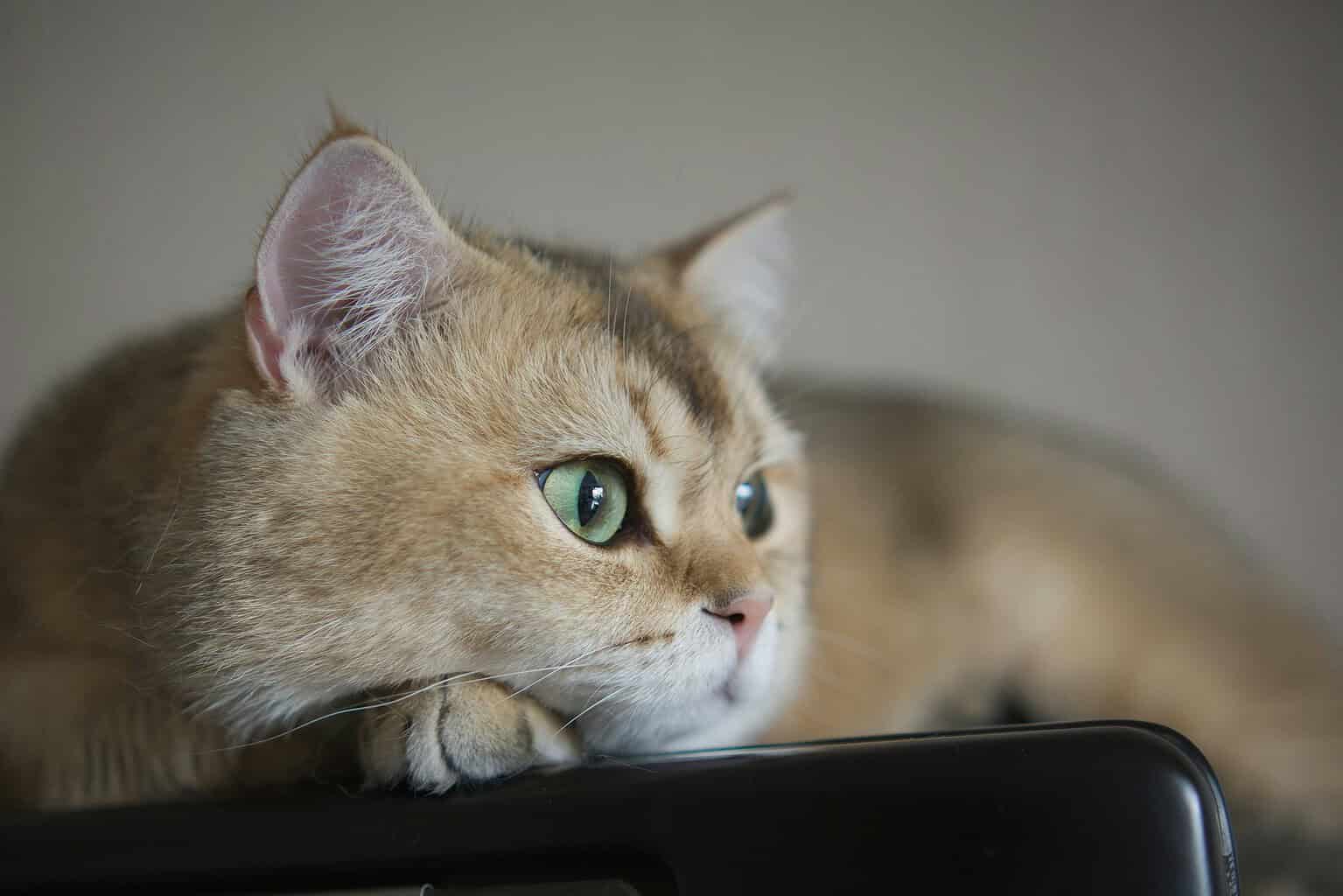
Your cat sits on your laptop because it is warm, it smells like you, and it is the thing stealing your attention. Cats prefer much warmer temperatures than people do, so a running laptop is a heated pad parked right next to their favorite person. Add a cat’s pull toward squares and outlines, a love of routine and a bored afternoon, and the keyboard wins. The fix is to offer a warmer, closer spot, play before you work and protect the computer.
Last updated: December 2025
Why is a laptop so appealing to a cat’s body?
Start with heat, because it explains more of this behavior than anything else. The thermoneutral zone is the range of outside temperatures where an animal stays comfortable without spending extra energy to warm up or cool down. Writing in Veterinary Ireland Journal, a feline-focused veterinarian notes that the National Research Council puts the cat’s zone at 30 to 38 °C, while people like to live and work at about 18 to 25 °C. PetMD gives a similar range of roughly 86 to 101 °F.
That gap is the whole story for a lot of cats. Your 70-degree living room feels pleasant to you and a little chilly to your cat. So your cat goes looking for extra heat: a sunny windowsill, a radiator, your lap, the top of the cable box, and the warm, flat slab of plastic and metal you happen to be typing on.
A laptop checks several boxes at once:
- It is warm. The processor and battery give off heat, and the warm air from the vents adds to it.
- It is flat and firm. Cats like a stable surface they can stretch out or loaf on.
- It is raised. On a desk or table, it gives your cat a good view of the room.
- It is where you are. Heat plus company is hard to beat.
Animal behaviorist Mikel Delgado of the UC Davis School of Veterinary Medicine told Slate that cats on laptops are probably after one of three things: heat, height or attention. Powered-on laptops are warm and have an interesting texture, she said, two qualities cats look for in a resting spot.
The cold season makes it worse. If your cat seems glued to your computer from November on, that is no coincidence. Our guide to whether cats get cold covers how cold is too cold and simple ways to warm up your home for them.
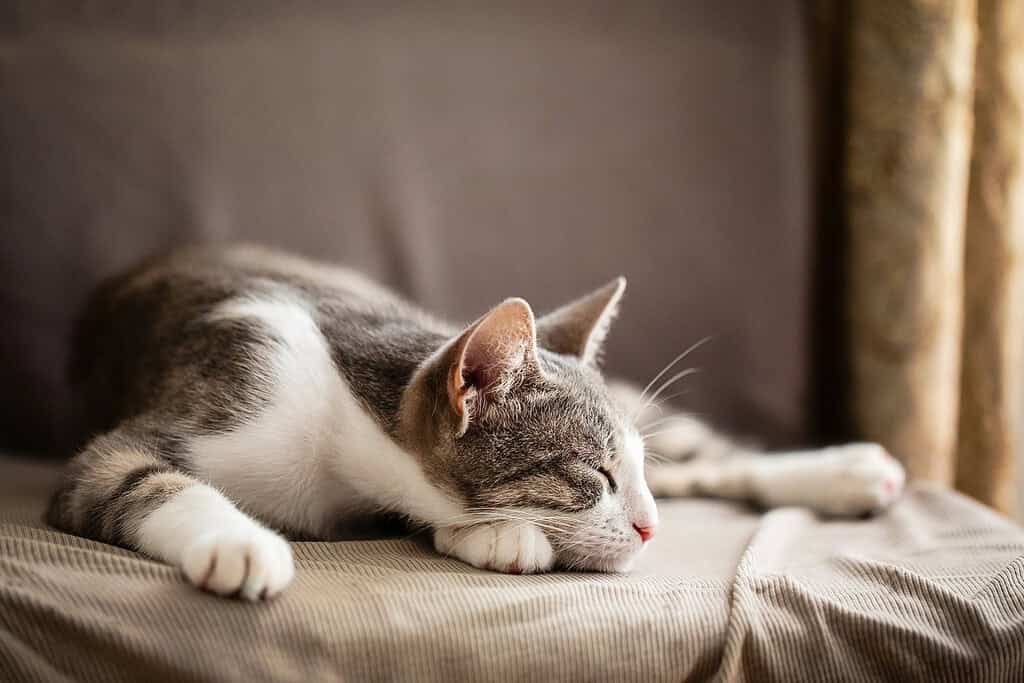
Is your cat on the keyboard just to get your attention?
Often, yes, and that is not as cynical as it sounds. When you work at a laptop you go still and quiet, and your eyes point at one spot for a long time. To a cat who wants company, the screen is the thing taking you away, and the fastest way to get noticed is to stand between you and it.
Behavior researchers say this is about connection, not mischief.
“It’s because of us and our presence. They’re seeking our attention. They want to be with us in that moment.”
Emma Grigg, animal behaviorist, UC Davis School of Veterinary Medicine, University of California
Kristyn Vitale, who studied human-animal interaction at Oregon State University, made a similar point to Snopes. She said a cat that is not getting enough social interaction may seek attention by meowing at a person or spending time near them, and that a cat approaching a person who works on a laptop all day makes sense as a way to ask for attention. She also stressed that every cat is an individual: some sit on the laptop to be close to their owner, others because it is warm, others for different reasons.
Scent is part of the pull
Your laptop is one of the most heavily handled objects in your home. Your hands rest on it for hours, so it carries your scent. Grigg notes that by lying on our things, cats are drawn to items that smell like us and, at the same time, mark those items with their own scent. To a cat, that keyboard is a shared, familiar object, a bit like your pillow or your sweatshirt.
If this sounds familiar, you probably also have a cat who sleeps on your chest and supervises your bathroom visits. Our posts on why your cat sleeps on you and why your cat follows you to the bathroom come from the same social, closeness-seeking place.
What are the 7 real reasons, and what fixes each one?
Most cats have more than one reason at the same time. A cold, bored cat who loves you and likes squares will be on your keyboard within minutes. Here is how the common reasons line up, what each looks like and the matching fix.
| Reason | Signs you will notice | Best fix |
|---|---|---|
| 1. Warmth | Worse in winter or with air conditioning; settles near the vents; curls up and naps | Heated pet bed or warm blanket on the desk beside you |
| 2. Attention | Arrives on video calls; rubs your face or the screen; meows first | Short play and petting sessions before and during work |
| 3. Your scent | Kneads or rubs on the keyboard; also sleeps on your clothes | A worn T-shirt or blanket in a desk bed |
| 4. Novelty and territory | Inspects a new laptop or new desk setup; sits and surveys the room | A raised perch near you or by the window |
| 5. Squares and outlines | Also sits on papers, books, mats and tape outlines | A decoy box, tray or square mat on the desk |
| 6. Routine | Shows up at the same time every day, like a coworker | Build a new routine that ends in a different spot |
| 7. Boredom | Bats the cursor, paws keys, knocks pens off the desk | Scheduled play, puzzle feeders and window entertainment |
Reasons four through seven deserve a word. A new laptop or a rearranged desk is new territory, and cats inspect new things. Delgado told Slate that whether that interest lasts depends on what is rewarding about the experience. Routine matters because cats are creatures of habit: if your cat has napped on your keyboard at 2 p.m. for a month, 2 p.m. now means keyboard. And boredom shows up as play. A cursor that moves, keys that click and a pen that rolls are all fun. If your cat also swats objects off the desk, our post on why cats knock things off tables explains that side of the habit.
Does “if it fits I sits” explain the laptop habit?
It may be part of it. Cat owners have long noticed that cats sit in boxes, laundry baskets and even shapes taped on the floor. A 2021 study in Applied Animal Behaviour Science, titled “If I fits I sits,” tested how far that pull goes.
Researchers Gabriella Smith, Philippe Chouinard and Sarah-Elizabeth Byosiere ran it as a citizen science project during the COVID-19 lockdowns in 2020. Owners printed paper shapes, taped them to the floor and filmed their cats over six days. One shape was a real square outline. One was the Kanizsa illusion, four Pac-Man-style circles arranged so the eye sees a square that is not actually drawn. The third used the same Pac-Man shapes turned outward, so no square appears.
More than 500 people signed up and 30 cats completed every trial. Nine cats chose to sit in a shape at least once, for 16 choices in all. The real square was picked 8 times, the illusory square 7 times and the non-square control just once. When the two square-like shapes were combined and compared with the control, the cats showed a statistically significant preference for the squares.
The sample was small and the authors call for lab follow-ups, so treat this as a fun clue, not proof. Still, it fits what owners see. A laptop is a neat rectangle with a clear edge. So is an open book, a sheet of paper or a placemat. If your cat is drawn to outlines, your keyboard is a ready-made one, and it happens to be warm.
The good news is that this pull is easy to redirect. Any rectangle you put next to the laptop competes for the same instinct. For the full science on enclosed spaces and stress relief, see our post on why cats like boxes.
How do you keep your cat off your laptop without upsetting them?
The goal is not to banish your cat from your workspace. It is to give them something better than the keyboard, close enough that they still get what they wanted. Delgado’s advice to Slate was to work out what your own cat gets from laptop sitting and then provide it another way. If it is warmth, try a heated bed. If it is height, try a cat tree by the window. If it is company, pet and play with them through the day. Here is how to put that into practice.
Give them a warmer seat right next to you
Put a cat bed on the desk or on a chair pulled up beside yours. Warmth is the hook, so choose a low-heat, pet-safe heated pad or a self-warming bed that reflects your cat’s own body heat. Add a blanket or a T-shirt you have worn so it smells like you. The best spot is within arm’s reach, so you can rest a hand on your cat while you work. Many cats will happily trade a keyboard for a warmer, softer bed that still touches you. Our roundup of the best heated pet beds compares safe options with chew-resistant cords and low heat settings.
Set out a decoy
Use the square instinct in your favor. A shallow cardboard box, a desk tray lined with a fleece, or even a folded towel in a neat rectangle beside the laptop gives your cat an outline to claim. Put it where the laptop used to be the most interesting thing. Reward your cat with a treat or a calm stroke when they choose it.
Play before you work
A cat who has just chased, pounced and eaten is much more likely to nap than to stomp across your inbox. Try a 10 to 15 minute wand-toy session before you sit down, ending with a small meal or treats, the natural hunt, catch, eat, rest sequence. If your workday is long, add a short play break mid-morning and mid-afternoon. Our guide on how to play with your cat covers games, toys and how much play most cats need.
Add a view
For a cat who wants height and something to watch, a window perch or cat tree placed near your desk is a strong rival to the laptop. Birds, squirrels and passing cars are better entertainment than a spreadsheet, and a sunny window doubles as a heat source. See our comparison of the best cat window perches for sturdy, easy-to-install picks.
Make the laptop less rewarding
- Close the lid or lock the screen whenever you step away, even for a minute.
- Use a silicone keyboard cover so stray paws do less damage and crumbs and fur stay out.
- Gently set your cat down on their own bed instead of on the floor, so the move ends somewhere good.
- Stay calm and quiet when you move them. Big reactions can turn the keyboard into a game.
- Avoid sprays, foil or punishment. They can make your cat wary of you and the room you work in, which works against the bond you want.
Be consistent for a couple of weeks
Because routine is part of the habit, change takes repetition. Every time your cat climbs on the laptop, calmly move them to the bed or decoy, then reward them for staying. Most cats learn the new spot faster when it is warmer and closer to you than the keyboard ever was. Expect slips on cold days, during video calls and on days when play time got skipped.
Is a cat on your laptop risky for the cat or the computer?
Mostly the computer, but there are a few things to watch for both of you.
Blocked vents. Laptops cool themselves by pulling in air and pushing warm air out of vents on the bottom, sides or back. HP warns that placing a laptop on a cloth surface, such as a lap, bed or couch cushion, can restrict or completely block airflow, and that prolonged restriction causes overheating and potential damage. A cat lying on or against the vents has the same effect. HP recommends about 6 inches (15.25 cm) of clearance around each vent. A laptop that is running hard under a sleeping cat gets hotter, and so does the cat.
Accidental keystrokes. Paws can send half-written emails, delete files, change settings or mute you in the middle of a call. Lock your screen when you walk away. On Windows computers, there is even software built for this problem. PawSense, from BitBoost Systems, watches keypress timing and combinations to spot cat typing, blocks the input and plays a sound meant to discourage the cat.
Spills. A cat walking past your coffee is a spill waiting to happen. Liquid and electronics do not mix, and a hot drink can hurt your cat, too. Keep drinks on the far side of the laptop or in a lidded mug.
Cords and chargers. Some cats chew cables. Route charging cords behind the desk and unplug chargers you are not using.
Could laptop sitting ever be a sign of a health problem?
Usually not. Seeking warmth and attention is normal cat behavior. But a change is worth noticing. If a cat who never cared about your computer suddenly cannot leave heat sources alone, or a laptop lover starts avoiding warm spots, ask why.
Senior cats and thin cats have less body fat to hold in heat, and cats with sore joints often seek warmth because it eases stiffness. The Veterinary Ireland Journal article on the feline thermoneutral zone describes how extra warmth can bring real comfort to arthritic cats. If your older cat is suddenly heat-hungry, mention it at their next checkup.
Weight loss is another clue. Hyperthyroidism is common in middle-aged and older cats, and Cornell’s Feline Health Center lists weight loss, increased appetite, and increased thirst and urination as its most common signs, along with possible vomiting, diarrhea, hyperactivity and an unkempt coat. Restless, attention-seeking behavior can be part of that picture. Not every hyperthyroid cat seeks warmth, so do not use laptop habits to guess at a diagnosis. Use them as one more reason to look closely at your cat.
How can you turn your keyboard cat into something fun?
Some cats will always be office supervisors, and that is part of the charm. If yours insists on helping, turn the habit into something you can enjoy.
The free Lohji app from Shiloh’s House turns one photo of your pet into a 3D animated-movie-style cartoon character. Snap your cat mid-keyboard-nap and you can make a wallpaper for your laptop or phone, a watch face for Apple Watch or Wear OS, or iMessage stickers to send your team when your cat has “taken over the meeting.” There are 191 sticker designs, including seasonal ones for Christmas, Hanukkah and New Year’s Eve, and costumes like Superhero and Pirate. You sign in with a text code, get 10 free Lohji Coins that never expire, and there are no ads. Download it on the App Store or Google Play.
The same app manages your cat’s Shiloh’s House Smart Tag profile. A curious, people-focused cat who follows you everywhere can also follow a delivery person out the door, so a tag that anyone can tap with a phone is worth having.
For the cat who is always underfoot
A Shiloh’s House Smart Tag opens your cat’s live profile with one-tap call, text and directions when any modern phone taps it, no app needed. You update it anytime in the free Lohji app.
Frequently asked questions
Why does my cat lie on my keyboard when I am working?
Because it puts your cat right where your attention is. Your keyboard is warm, smells like your hands, and sits between you and the screen you have been staring at. Behaviorists say cats are seeking our presence and attention in that moment, not trying to annoy us. Warmth matters too, since cats prefer temperatures far above what most homes are kept at.
Is it bad for my cat to sit on my laptop?
It is rarely dangerous for the cat, but it can be bad for the laptop. A cat lying on the vents blocks airflow and can make the computer overheat, and paws can send emails or delete work. If the laptop feels hot or the fans are loud, move your cat to a warm bed nearby and let the computer cool down.
How do I keep my cat off my laptop?
Offer a better spot instead of just saying no. Put a heated or self-warming bed on the desk next to you, add a worn T-shirt, and set out a box or tray as a decoy. Play with your cat before you start working, close the lid or lock the screen when you step away, and reward your cat for using their own spot.
Why does my cat sit on my laptop but not their own bed?
The bed is probably too cold, too far away or too boring. A running laptop is warm and right next to you, and your cat’s bed may be in another room. Move the bed onto or beside your desk, make it warmer with a pet-safe heated pad or blanket, and add something that smells like you. Closeness and heat usually win.
Do cats sit on laptops to copy us?
There is no good evidence for that. Researchers interviewed by Snopes and Slate said mirroring has not been shown to explain the behavior. The more likely reasons are warmth, height, attention and scent. Every cat is different, so watch when your cat climbs up and what they do there to work out what they are really after.
Should I worry if my older cat suddenly wants to lie on warm things?
Not automatically, but it is worth noting. Older and thinner cats lose heat more easily, and cats with stiff joints often find warmth soothing. If the new warmth seeking comes with weight loss, a bigger appetite, more drinking, litter box changes or a messy coat, book a vet visit to rule out problems like hyperthyroidism or arthritis.
Sources
- If I fits I sits: A citizen science investigation into illusory contour susceptibility in domestic cats, Applied Animal Behaviour Science, 2021
- The heat is on: the feline TNZ, Veterinary Ireland Journal, 2023
- How Hot Is Too Hot for Cats?, PetMD, 2024
- Why your cat does these 6 things (according to science), University of California, 2021
- Why does my cat like to sit on my laptop?, Slate, 2020
- Do Cats Sit on Laptops To Be Closer to You?, Snopes, 2020
- Hyperthyroidism in Cats, Cornell Feline Health Center, n.d.
- Reduce heat inside the laptop to prevent overheating, HP Support, n.d.
- PawSense: catproof your computer, BitBoost Systems, n.d.
- Pet Cats Fall For Optical Illusions Too, NPR, 2021